Your app with Base44 and your €50 of credits
Build your app with Base44 and get €50 of credits: every screen, step by step.
Your app online, and €50 of credits
You build your app with Base44, our partner: you paste your prompt, your app is generated without coding. Take the Builder plan through your link and we offer you €50 of credits for your coach. The whole way takes about 3 minutes.
The easiest: tap Build my app and get €50 of credits, at the top of your space or in your conversation with the coach. The guide shows you every screen, one step at a time. This page goes through the same steps in detail.
Step 1 · Copy your link
In your conversation with the coach, the Your Base44 link block has a Copy button. It's your own link: it ties your subscription to FirstMRR and gets you your €50.
Step 2 · Open a private window
Open a private window, then paste your link into the address bar.
- Safari (iPhone): the three dots at the bottom right, then New Private Tab.
- Chrome: the three dots, then New Incognito Tab.
- Google app: tap the search bar as if to search, then the Incognito button.
- On a computer: Cmd + Shift + N on a Mac, Ctrl + Shift + N on Windows.
Step 3 · Tap « Build now »
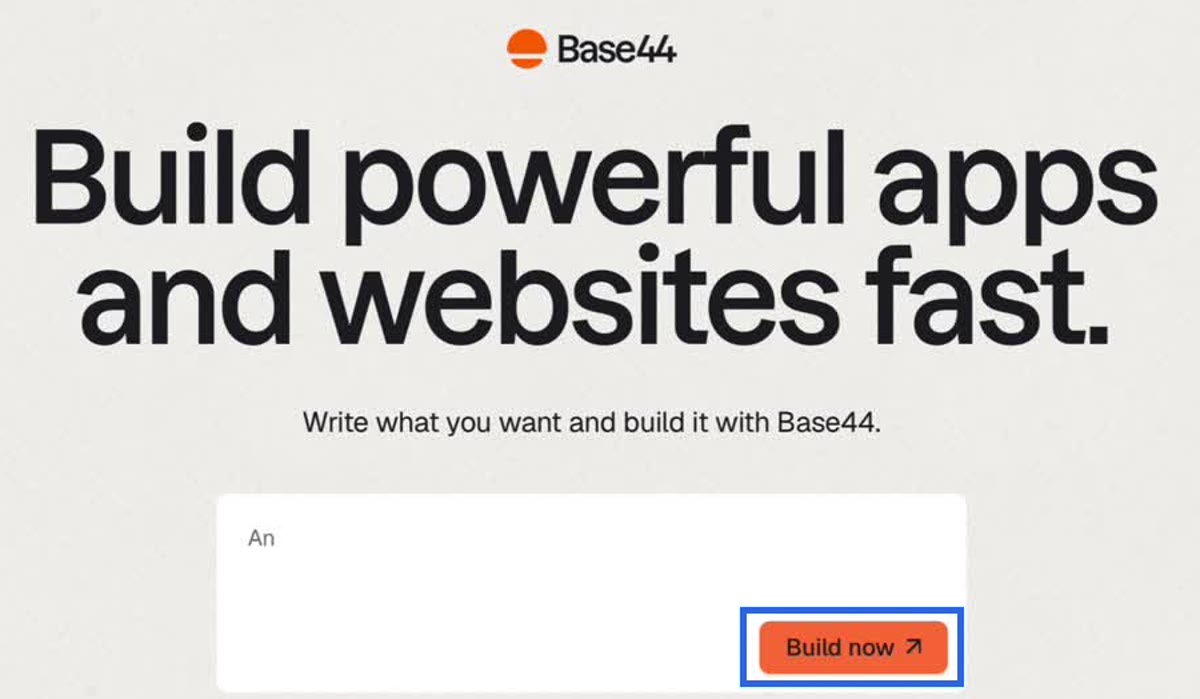
Base44's page opens: « Build powerful apps and websites fast ». Tap Build now, no need to type anything.
Step 4 · Create your account
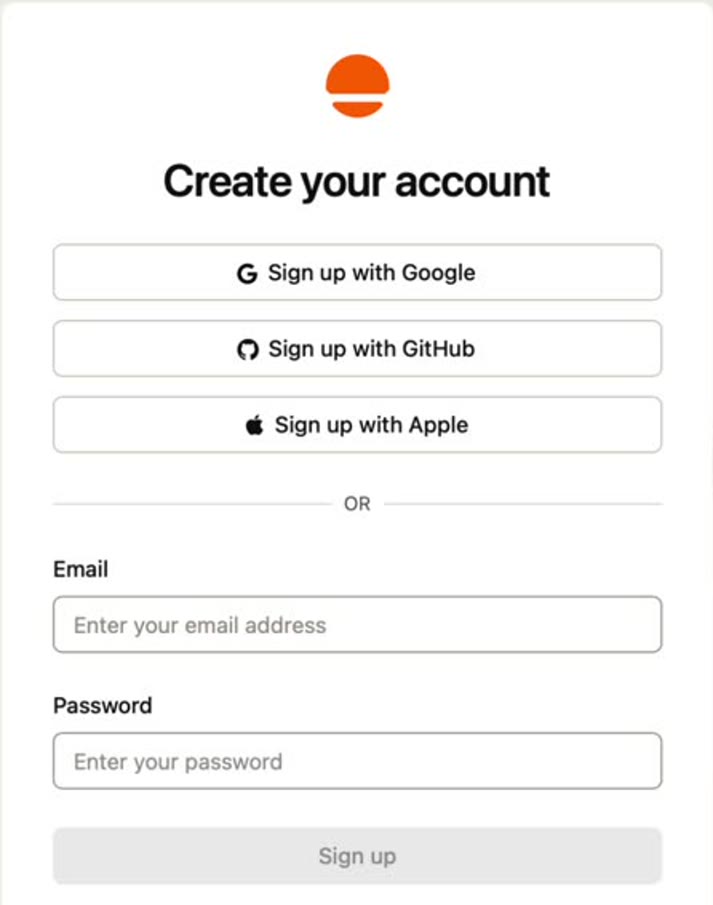
Sign up with Google, Sign up with Apple, or your email and a password. Use an address you have never used on Base44 (your FirstMRR email is fine if it never was).
- A Verifying… box spins for a few seconds: that's normal, wait.
- With Google, you may be asked I'm not a robot: tick the box, then Next.
- If Base44 asks you two questions, tap Skip.
Step 5 · Take Builder
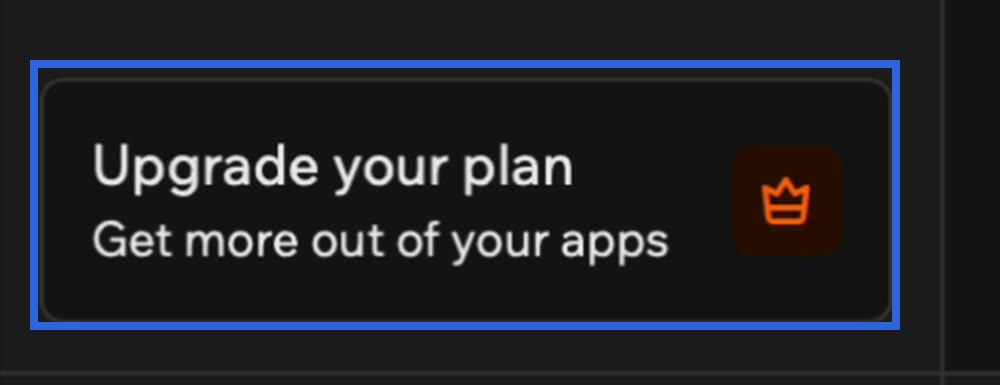
On Base44's home screen, tap Upgrade your plan, the button with the little crown at the bottom left.
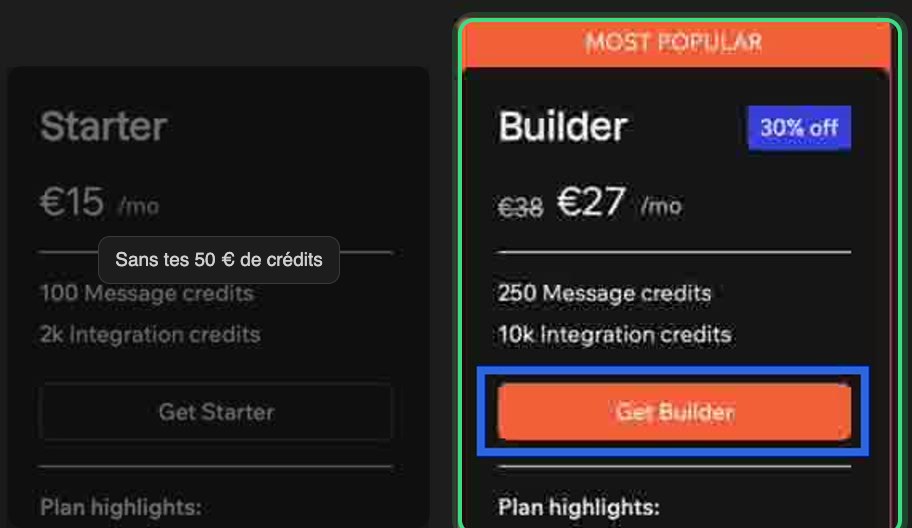
On the plans page, pick Builder and tap Get Builder: only this plan gets you your €50 of credits.
Step 6 · Choose, then pay
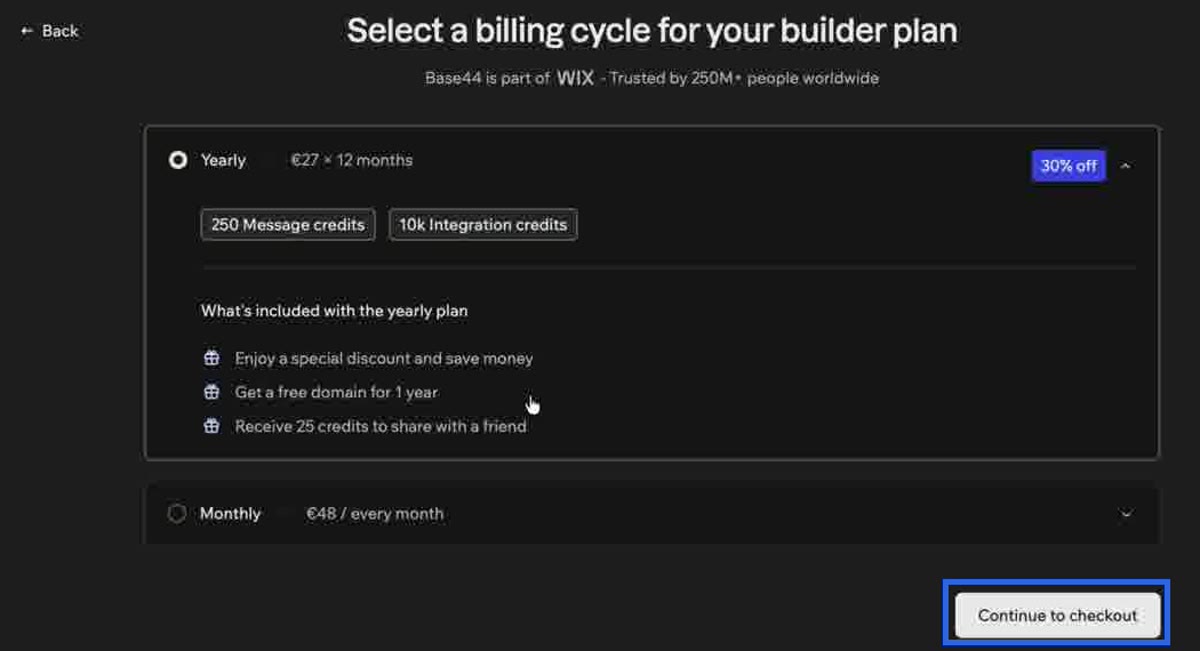
Yearly: €27 a month over 12 months, with 30% off for the 48 hours after you sign up. Monthly: €48 a month. Choose, then tap Continue to checkout.
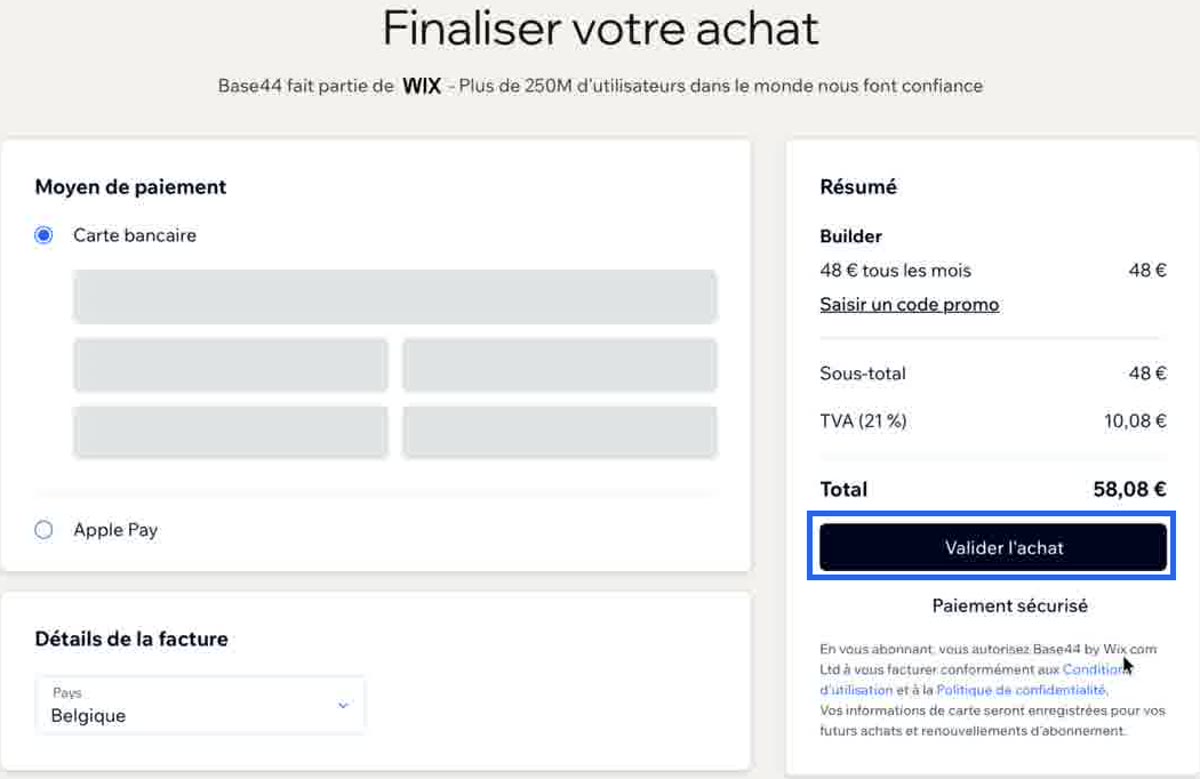
On the payment page, choose card, Apple Pay or PayPal, check your country in the billing details, then confirm the purchase.
Step 7 · Paste your prompt
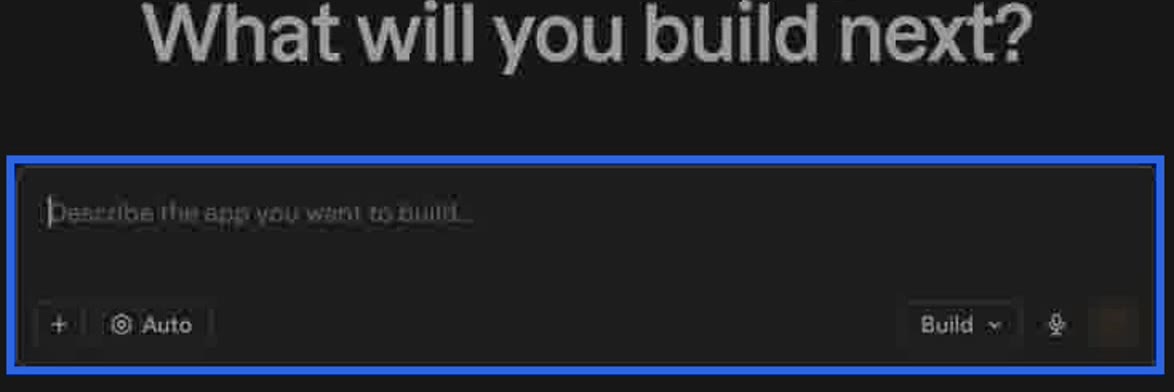
Back on the home screen (« What will you build next? »), paste your prompt into the Describe the app you want to build box and send it: your app builds itself. Your coach helps you with what comes next.
Step 8 · Get your €50
At the guide's last step, enter the email used on Base44 and tap I got Builder. We check your subscription and your credits arrive within a few hours.
Your €50 of credits
They arrive by themselves as soon as Base44 confirms your Builder subscription, usually within a few hours. The top of your space then shows « €50 of credits added to your coach ».
They come with Builder only. If you took a smaller plan, you can move up to Builder from Base44, on the same account, to get them. Why Builder: the smallest plan gives about 100 messages a month, often too few to build then fix an app; Builder gives 250.
If you're stuck
- Payment declined: approve your bank's notification, turn on online and foreign payments, use a physical card rather than a virtual one, try Apple Pay or PayPal, or another Visa or Mastercard. After three declines, try again later with another card.
- The price is higher than expected: it's your billing country's VAT.
- You already had a Base44 account: create a new one through your link, in a private window, with another email.
- You can't find a button: send a screenshot to the coach, it guides you.
The guide to keep
The same guide, to keep at hand: in the Your Base44 link block, tap Download the guide (PDF) on a computer, or Save the guide to my photos on a phone.